
You can create a customized web app for running SeleniumBase tests by using NodeJS and Express. (This tutorial assumes that you've already installed SeleniumBase.
- You'll need to work with the files located in the integrations/node_js folder.
- Navigate to https://nodejs.org/en/
- Click to download and install NodeJS
npm install -g npm@latest3. Install the Example Test Runner for SeleniumBase from the integrations/node_js folder (npm ci has a speed improvement over npm install.)
npm ci(You should see a node_modules folder appear in your node_js folder.)
node server.js(You can stop the server by using Ctrl+C)
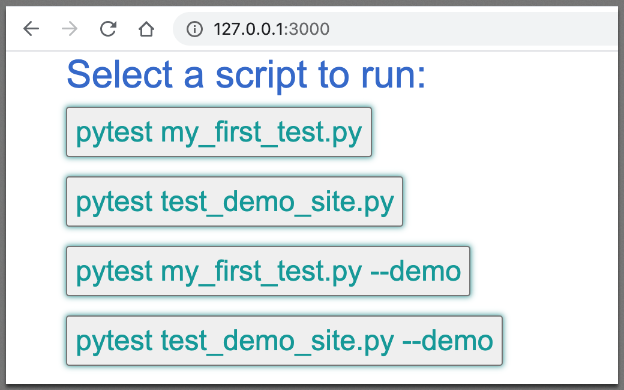
- Navigate to http://127.0.0.1:3000/
Click on a button to run a SeleniumBase example test.
Now that you have a web app for running SeleniumBase tests, you can expand it to run any script that you want after pressing a button.