

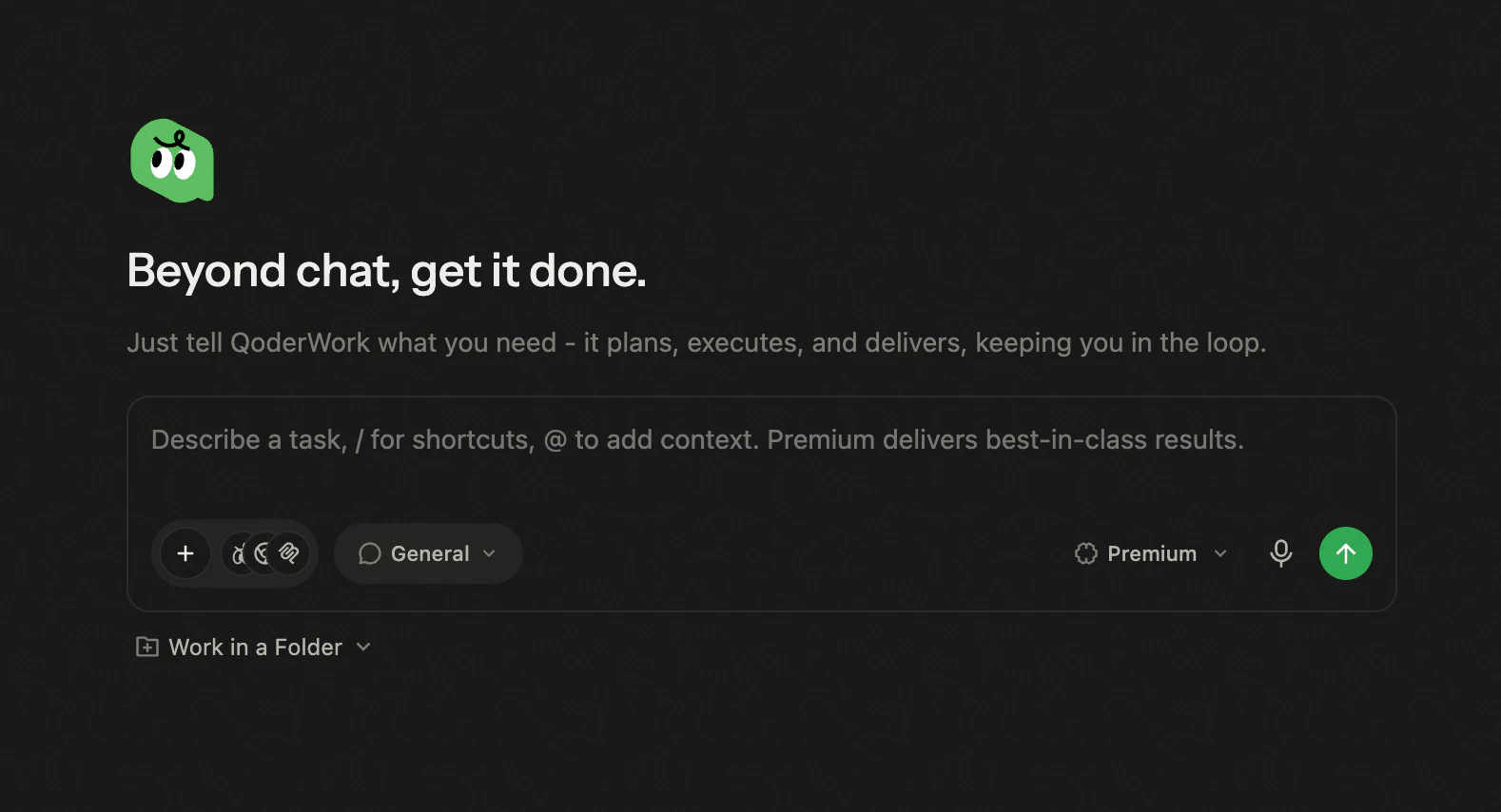
- Click the microphone icon on the right side of the input box.
- Speak your requirement — it’s transcribed into text automatically.
- Review and edit the transcript if needed, then send.
- Supported languages depend on your system’s speech recognition service.
- Voice input can be combined with typed text and attachments in the same message.