
Qoder Mobile
Official mobile app for the Qoder Agent Platform

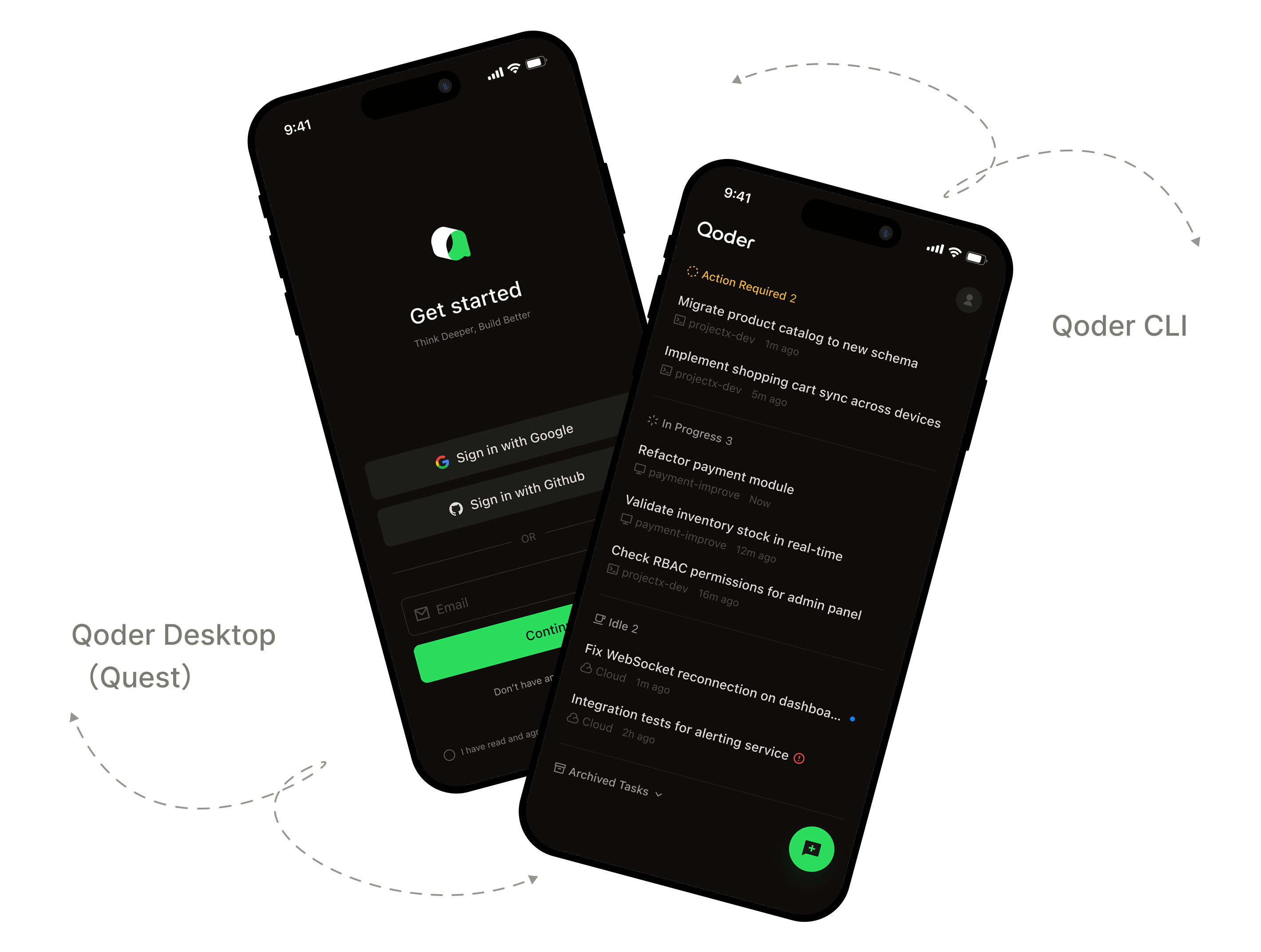
Manage your AI agents anywhere
Qoder Mobile lets you manage AI agents from your phone, wherever you are. It currently supports remote control for Qoder CLI and Qoder Desktop(Quest), and also supports delegating tasks to run in the cloud. In remote control mode, sessions keep running on your computer while the app syncs status in real time, so you can check progress, approve actions, answer prompts, and add instructions anytime.


Agent control, wherever you are
Remote Control, Cloud Tasks, Real-Time Sync
Real-Time Sync
Qoder CLI or Qoder Desktop(Quest)sessions keep running on your computer, while the app syncs task status in real time. See what the agent is doing, what needs your attention, and when it is done from your phone.
Instant Push Notifications
Qoder Mobile sends a push notification when an agent needs action approval, an answer, or additional instructions. Tap the notification to jump straight into the task.
Mobile-Optimized Task View
Agent activity is organized into task summaries designed for mobile reading. Quickly scan progress, or open the details to review context and continue.
One App for Qoder Agents
Qoder Mobile currently supports remote control for Qoder CLI and Qoder Desktop(Quest), and also supports delegating tasks to run in the cloud. QoderWork, QoderWake, and more product capabilities will be added over time.